
Core Web Vitals: Optimising Your Website Performance in 2026
In 2026, website speed is no longer merely a competitive advantage: it is a survival condition in Google search results. Core Web Vitals, the performance metrics introduced by Google, directly determine user experience quality and influence your SEO ranking. For Belgian SMEs, where every visitor counts, ignoring these indicators means letting potential customers leave for the competition.
With the March 2026 update, Google has strengthened the weight of Core Web Vitals in its ranking algorithm. The result: sites that meet the recommended thresholds gain positions, whilst others fall behind. This article explains concretely what Core Web Vitals are, how to measure them, and above all how to optimise them to transform your site into a performance machine.
What are Core Web Vitals and why do they matter?
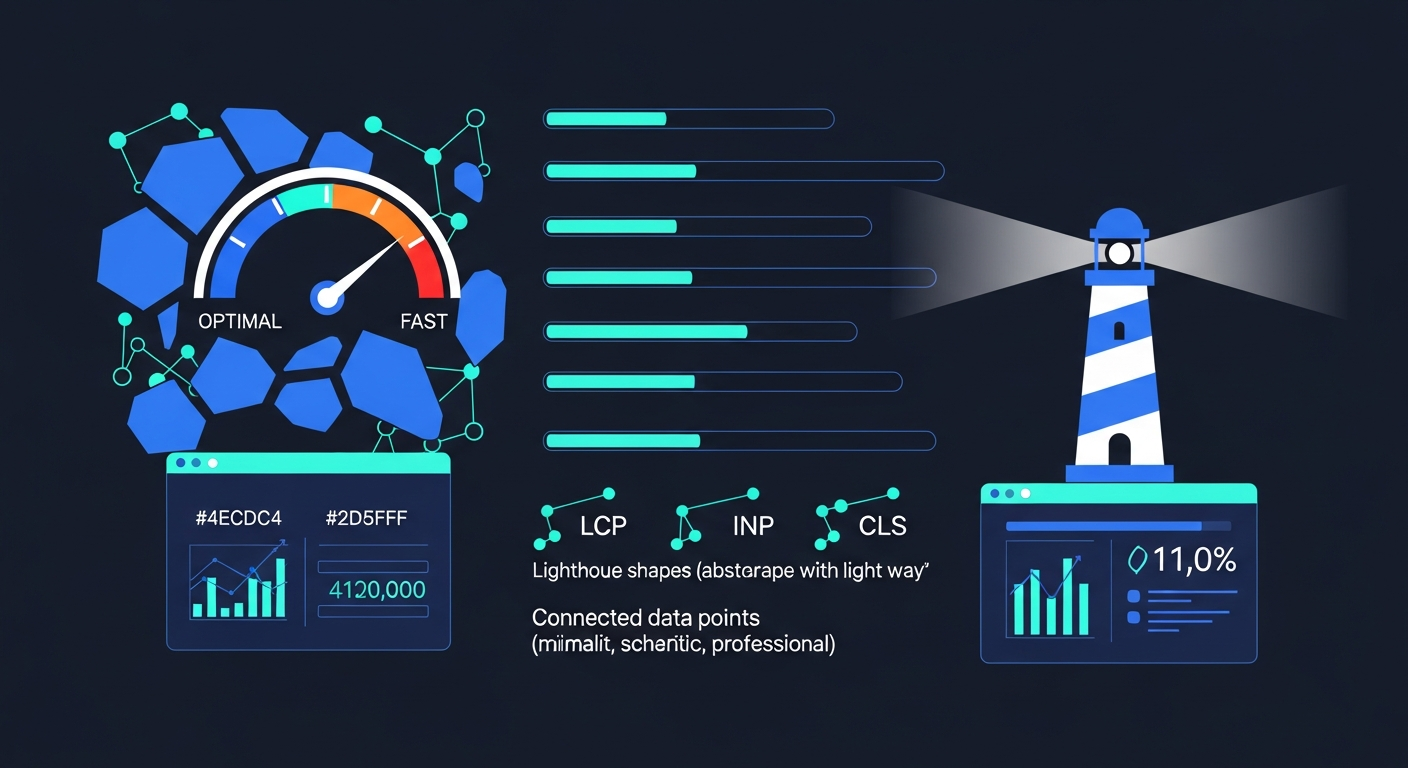
Core Web Vitals are a set of three metrics defined by Google to assess user experience quality on a website. Unlike traditional technical indicators that primarily interest developers, these metrics measure what users actually feel when navigating your site: loading speed, interaction responsiveness and visual stability of the page.
Google uses real-user data (field data) via the Chrome User Experience Report (CrUX). This means they are not theoretical lab scores, but a genuine reflection of the experience your visitors have on their devices, with their internet connection.
Why is this crucial for your business? Because the figures speak for themselves. A single second’s delay in loading time reduces conversions by approximately 7%. For an e-commerce site generating 10,000 euros in monthly sales, that represents 700 euros lost each month, or 8,400 euros per year. Sites with optimised Core Web Vitals display conversion rates 25% higher and organic traffic growth 15% greater than non-optimised sites.
In 2026, with over 60% of Google searches conducted on mobile, these metrics are assessed primarily on mobile performance, including for desktop search results. In other words, if your site is fast on desktop but slow on smartphone, your ranking will be penalised everywhere.
The 3 metrics explained
Each Core Web Vital measures a different aspect of user experience. Understanding these three metrics is the first step to improving them effectively.
LCP (Largest Contentful Paint) — Loading speed
LCP measures the time required for the largest visible element on the page (a hero image, a main text block, a video) to display completely on screen. It is the indicator of first impression: how long must the user wait before seeing the main content?
Thresholds to meet:
- Good: under 2.5 seconds
- Needs improvement: between 2.5 and 4 seconds
- Poor: over 4 seconds
Common causes of high LCP: slow hosting with a TTFB (Time to First Byte) exceeding 800 ms, uncompressed or unsized images, CSS and JavaScript files blocking render, or the absence of a CDN (Content Delivery Network). For Belgian SMEs on basic shared hosting, TTFB is often the first bottleneck to address.
INP (Interaction to Next Paint) — Responsiveness
INP replaced FID (First Input Delay) in March 2024 and measures your site’s overall responsiveness to user interactions. Where FID only measured the first interaction, INP monitors every click, every touch, every keyboard input throughout the entire visit, and reports the worst interaction time at the 75th percentile.
Thresholds to meet:
- Good: under 200 milliseconds
- Needs improvement: between 200 and 500 milliseconds
- Poor: over 500 milliseconds
INP is currently the hardest metric to pass: in 2026, 43% of sites still fail to reach the 200 ms threshold. The main causes include excessively heavy JavaScript monopolising the browser’s main thread, complex event handlers, and an excess of third-party scripts (analytics trackers, chat widgets, advertisements).
CLS (Cumulative Layout Shift) — Visual stability
CLS measures unexpected visual shifts during page loading. You have likely experienced this frustrating situation: you are about to click a link, and suddenly an image or advert loads above it, pushing the content downwards. You click on the wrong element. This is exactly what CLS penalises.
Thresholds to meet:
- Good: under 0.1
- Needs improvement: between 0.1 and 0.25
- Poor: over 0.25
Of note: in early 2026, Google introduced the Visual Stability Index (VSI), sometimes called Core Web Vitals 2.0. The VSI goes further than CLS by evaluating visual stability beyond the initial load, including during scrolling. It distinguishes expected movements (an accordion opening on click) from unexpected ones (an advert banner abruptly inserting itself). Classic causes of high CLS include images without defined dimensions, dynamic adverts, web fonts causing a flash of unstyled text (FOUT), and content injected by JavaScript after initial load.
How to measure your Core Web Vitals
Before optimising, you must measure. Several free tools allow you to assess your Core Web Vitals with precision.
Google PageSpeed Insights is the essential starting point. It combines field data (real user experiences via CrUX) and lab data (Lighthouse simulation). Enter the URL of any page and receive a comprehensive diagnosis with prioritised improvement recommendations. The tool is available at pagespeed.web.dev.
Google Search Console offers a dedicated Core Web Vitals report in the “Experience” section of your dashboard. It identifies problematic pages on your site, grouped by issue type, and distinguishes between mobile and desktop performance. It is the ideal tool for tracking progress over time and getting a global view of your site.
Lighthouse, built directly into Chrome DevTools (“Performance” tab), enables on-demand lab audits. Useful for testing modifications before deploying them, but bear in mind that lab scores do not necessarily reflect the real experience of your visitors.
Web Vitals Extension for Chrome displays Core Web Vitals in real time as you browse your site. Perfect for quickly identifying problematic pages or interactions.
DebugBear and Treo are third-party tools offering continuous monitoring and automatic alerts when regressions occur. Particularly useful for sites that evolve regularly, as a theme or plugin update can silently degrade your performance.
Our recommendation: combine Google Search Console for global tracking, PageSpeed Insights for page-by-page diagnostics, and Chrome DevTools for detailed technical debugging.
10 concrete optimisations to improve your scores
Here are the ten most effective actions, ranked by potential impact, that you can implement to significantly improve your Core Web Vitals.
1. Switch to performant hosting with server cache and CDN. This is the number one lever. Migrating from basic shared hosting to a VPS or managed hosting with server cache and CDN typically reduces TTFB from over 800 ms to under 200 ms. The LCP improvement is often immediate and spectacular. For Belgian SMEs, an OVHcloud VPS at the Gravelines data centre (geographically close) combined with a CDN like Cloudflare represents excellent value for money.
2. Optimise and convert all images to WebP or AVIF. Images represent on average 50% of a web page’s weight. The WebP format offers 25 to 30% better compression than JPEG, and AVIF goes further still. Also resize your images to actual display dimensions: there is no point loading a 3,000-pixel-wide image for a 600-pixel space. Use the srcset attribute to serve sizes adapted to each screen.
3. Implement lazy loading for images and iframes below the fold. The native HTML loading="lazy" attribute defers loading of elements below the visible area. This reduces initial loading time and directly improves LCP. However, take care not to apply lazy loading to the LCP image itself (the main image above the fold): that one must load as a priority.
4. Eliminate unused JavaScript and defer the rest. Audit your scripts with Chrome DevTools’ Coverage tab to identify JavaScript code that is never executed. Remove it or defer it with the async or defer attributes. Every kilobyte of JavaScript removed lightens the main thread and improves INP. Also consider splitting your JavaScript bundles (code splitting) to load only the code needed for each page.
5. Reduce and optimise critical CSS. Extract the CSS needed for the initial render (above-the-fold) and inline it in the <head>. The remaining CSS can be loaded asynchronously via rel="preload". Remove unused CSS rules, which bloat the file and slow browser parsing.
6. Define explicit dimensions for all images and adverts. Systematically add width and height attributes to your <img> tags and reserve space for advertising placements via CSS. This prevents layout shifts and improves CLS. For dynamic adverts, use the CSS min-height property to reserve minimum space.
7. Preload critical resources. Use <link rel="preload"> for web fonts, LCP images and critical CSS files. Preconnect (<link rel="preconnect">) is also useful for establishing connections in advance to third-party domains (CDN, API, analytics services). This saves several hundred milliseconds on initial load.
8. Optimise web fonts. Use font-display: swap to avoid invisible text during font loading. Limit yourself to two or three font variants maximum. Host font files locally rather than relying on an external Google Fonts CDN, and use the WOFF2 format for optimal compression.
9. Limit and optimise third-party scripts. Each third-party script (Google Analytics, Facebook Pixel, chat widget, A/B testing tools) adds weight and execution time. Regularly audit your third-party scripts, remove those no longer in use, and load the rest asynchronously or deferred. Consider lighter alternatives: Google Analytics 4 with the minified gtag.js tag, or Plausible Analytics and Fathom as ultra-lightweight alternatives.
10. Implement aggressive browser caching. Configure Cache-Control headers with long durations (one year) for static resources (images, CSS, JS) and use file versioning (hash in the filename) to force updates when needed. Well-configured caching avoids re-downloading the same resources on every visit and considerably improves the experience for returning visitors.
Core Web Vitals and SEO: the ranking impact
Since the March 2026 update, Google has clearly reinforced the weight of performance signals in its ranking algorithm. The data confirms it: pages in position 1 on Google display a Core Web Vitals pass rate 10% higher than pages in position 9. This is no coincidence.
Core Web Vitals form part of Google’s Page Experience signals, alongside HTTPS, the absence of intrusive interstitials and mobile compatibility. Together, these signals function as a tiebreaker: with equal content quality between two pages, the one offering the better user experience will be favoured.
The impact is particularly marked in competitive niches where content quality is similar across competitors. If you are a Belgian SME competing with other local businesses for geographical queries (“plumber Brussels”, “accountant Liege”, “web agency Namur”), Core Web Vitals can make the difference between the first page and the second.
The consequences extend beyond pure SEO. Google uses Core Web Vitals to determine the crawl budget allocated to your site. A fast site is crawled more frequently, meaning your new pages and updates are indexed more quickly. Conversely, a slow site sees its crawl budget reduced, delaying content indexation.
For e-commerce sites, the impact is twofold. Not only do you benefit from better organic ranking, but conversions also increase: sites with optimised Core Web Vitals record conversion rates 25% higher. In local SEO, Google Business Profile listings direct users to your site, and if it is slow, the bounce rate rockets, sending a negative signal to Google.
WordPress and performance: best practices
WordPress powers over 40% of websites worldwide, but its flexibility is a double-edged sword when it comes to performance. Heavy page builders, plugin accumulation and oversized themes are the main culprits behind poor Core Web Vitals on WordPress. Here are the best practices to adopt.
Choose a lightweight, performant theme. Abandon multi-purpose themes laden with unnecessary features. Favour optimised themes such as Kadence, GeneratePress, Astra or the default Twenty Twenty-Five theme with the native block editor. The JavaScript weight difference between a performant theme and an “all-in-one” theme can exceed 500 KB, directly affecting LCP and INP.
Install a cache and optimisation plugin. WP Rocket is the benchmark for caching, CSS/JS minification, lazy loading and database optimisation, all in an intuitive interface. LiteSpeed Cache is the ideal free alternative if your server uses LiteSpeed or OpenLiteSpeed. For Nginx setups, FlyingPress offers excellent performance. Avoid stacking multiple cache plugins: one, properly configured, is sufficient.
Optimise images automatically. Use a plugin such as ShortPixel, Imagify or Smush to automatically compress images on upload and convert them to WebP. Enable WordPress’s native lazy loading (built in since version 5.5) and ensure your images use the responsive sizes automatically generated by WordPress.
Audit and reduce plugins. Each plugin potentially adds CSS and JavaScript to every page, even if its functionality is only used on a single page. Deactivate and remove unused plugins. For essential plugins that load scripts everywhere, use a conditional loading tool such as Asset CleanUp or Perfmatters to limit their impact to pages where they are genuinely needed.
Optimise the database. Over time, the WordPress database accumulates post revisions, spam comments, expired transients and orphaned options. Regular clean-up with WP-Optimize or Advanced Database Cleaner reduces query time and improves server-side performance.
Monitor continuously. After every theme, plugin or WordPress core update, check your Core Web Vitals. A silent regression can undo weeks of optimisation. Set up automatic alerts via Google Search Console or a third-party monitoring tool.
The Agile Minds approach
At Agile Minds, web performance is not an afterthought: it is a fundamental pillar of every project. Based in Hannut, Wallonia, our team supports Belgian SMEs in optimising their web infrastructure with a structured, measurable approach.
Comprehensive performance audit. We begin every engagement with a detailed Core Web Vitals audit, page by page, on mobile and desktop. We identify the specific bottlenecks on your site and prioritise actions by expected gain versus effort required.
High-performance hosting. Our managed hosting offering on OVHcloud VPS with Traefik reverse proxy, automatic Let’s Encrypt SSL certificates and multi-tier architecture (Essential, Business, Enterprise) guarantees server response times under 200 ms. Every plan includes a CDN and cache configuration optimised for WordPress and Odoo.
Advanced WordPress optimisation. From theme selection to fine-grained cache configuration, through image optimisation and JavaScript reduction, we apply best practices to reach and maintain green Core Web Vitals scores. Our expertise covers both brochure sites and WooCommerce e-commerce platforms.
Proactive monitoring and maintenance. We continuously monitor the performance of your sites and intervene before any degradation affects your SEO ranking or conversion rate. Every update is tested and validated before production deployment.
Does your website meet the performance standards of 2026? Contact our team for a free Core Web Vitals audit and discover the concrete gains you can achieve.
Related articles
- Managed VPS vs Shared Hosting: Which for Your SME in 2026?
- WordPress vs Odoo: Which CMS for Your SME Website?
- SEO for Belgian SMEs: The Complete Guide 2026
- Web Security for SMEs: SSL, Backups and GDPR in 2026
Agile Minds — IT Consultancy & Digital Transformation
Managed web hosting | Odoo integration | AI automation
Hannut, Wallonia, Belgium
www.agile-minds.be
Let's talk about your project
Book a meeting →